Keep
Editable .kakiire file
- Annotations stay as layers. Change direction or size later
- The original image is packed into the same file
- Preview the contents with Quick Look in Finder
kakiire【書き入れ】 Japanese: writing words or marks onto an image or a document.
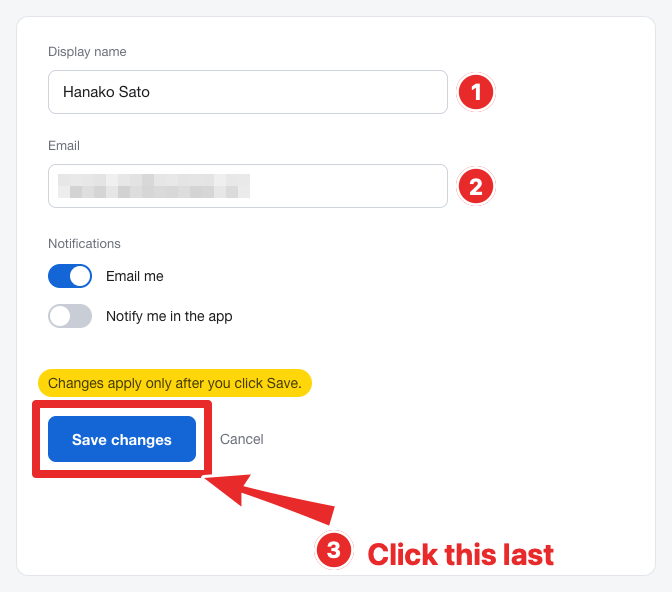
Kakiire is a Mac app for drawing arrows, boxes and text on screenshots. Hide what shouldn't be seen with .
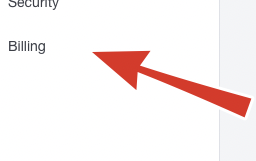
Tapered arrows, boxes, outlined text, numbered stamps. Switch tools with a single key.
Pixelate or blur email addresses and faces. Exported images always have them burned in.
Save as .kakiire and every arrow and mosaic stays a layer. Fix it next week if you need to.
01 — Tools
Every tool is one key away. Hold Shift while drawing to snap arrows and lines to 45°, make rectangles square and ellipses round. You can also paste another image on top, with a border and shadow.

02 — Images
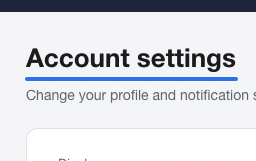
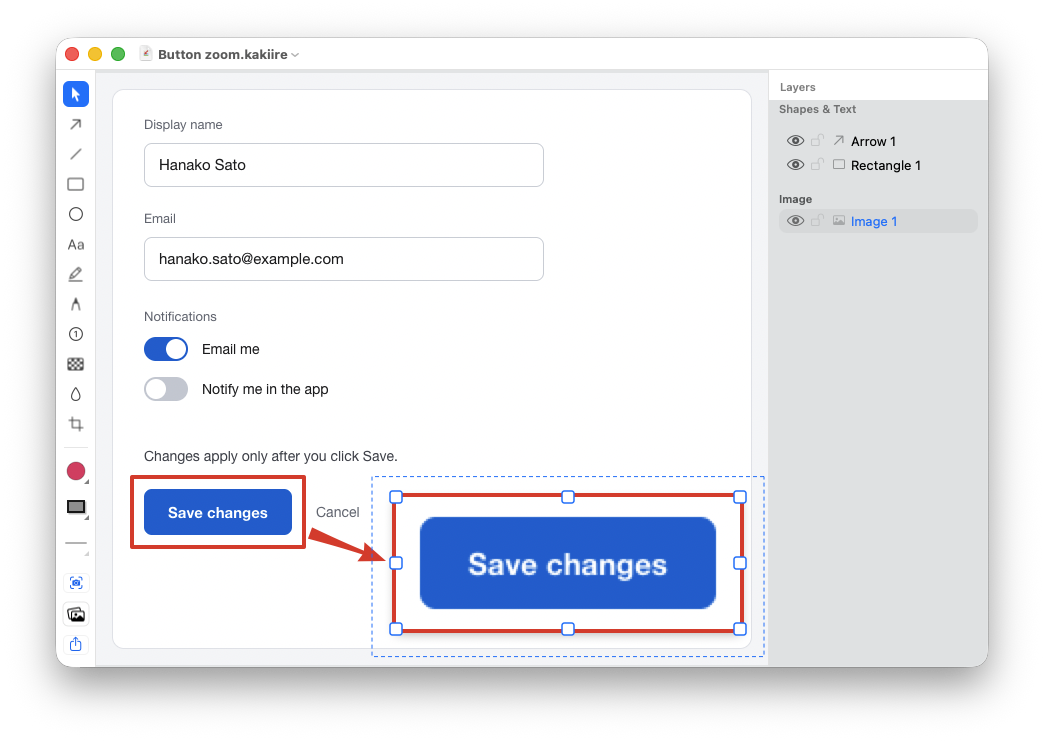
Lay another screenshot or photo on top of the first. Add a zoomed-in view of a tiny button, or put before and after side by side.
03 — Layers
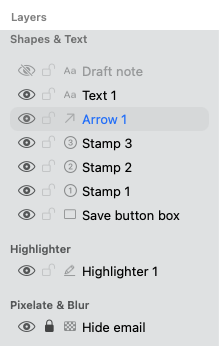
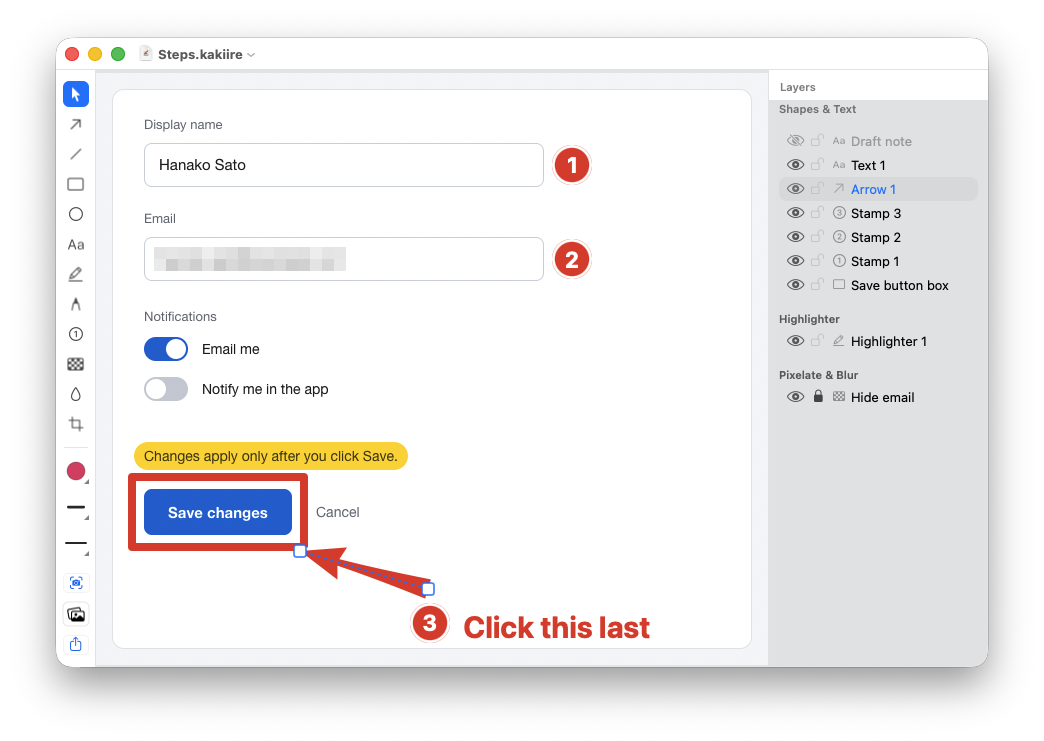
Every arrow and box you draw stays as its own layer. Pick it from the list on the right to move it, recolor it or delete it. Even after you save and reopen the file.
04 — Save & Export
Keep
Share
A .kakiire file also contains the image before anything was hidden. When sharing with others, send the exported image.
05 — Capture
Take a screenshot with one shortcut, whatever app you're in. When you're done, the editor comes to the front so you can start right away. It's also in the menu bar.
For images you already have, drag & drop or paste with ⌘V.
06 — For people who used Skitch
Skitch is Intel-only and won't run without Rosetta. Kakiire rebuilds that tapered arrow and that ease of use as a native Apple Silicon app, made only for the Mac.
Kakiire is an independent app and is not affiliated with the makers of Skitch.